Lineage Search: Heritage Picks, Saved Results and Scans That Say When They Stop
A week of shipping on Lineage Search. Heritage picks that prune the deep search, results that stay put when you share them, a header that works on a phone, and scans that report honestly when they run out of time.
Lineage Search takes a name and a rough year and sends a swarm of research agents into census pages, muster rolls, parish registers and small archive catalogues. What comes back is a family, with a source on every line. It is the public front door to Lineage.
I shipped a long run of changes to it over the last few days. Here is what changed and why.
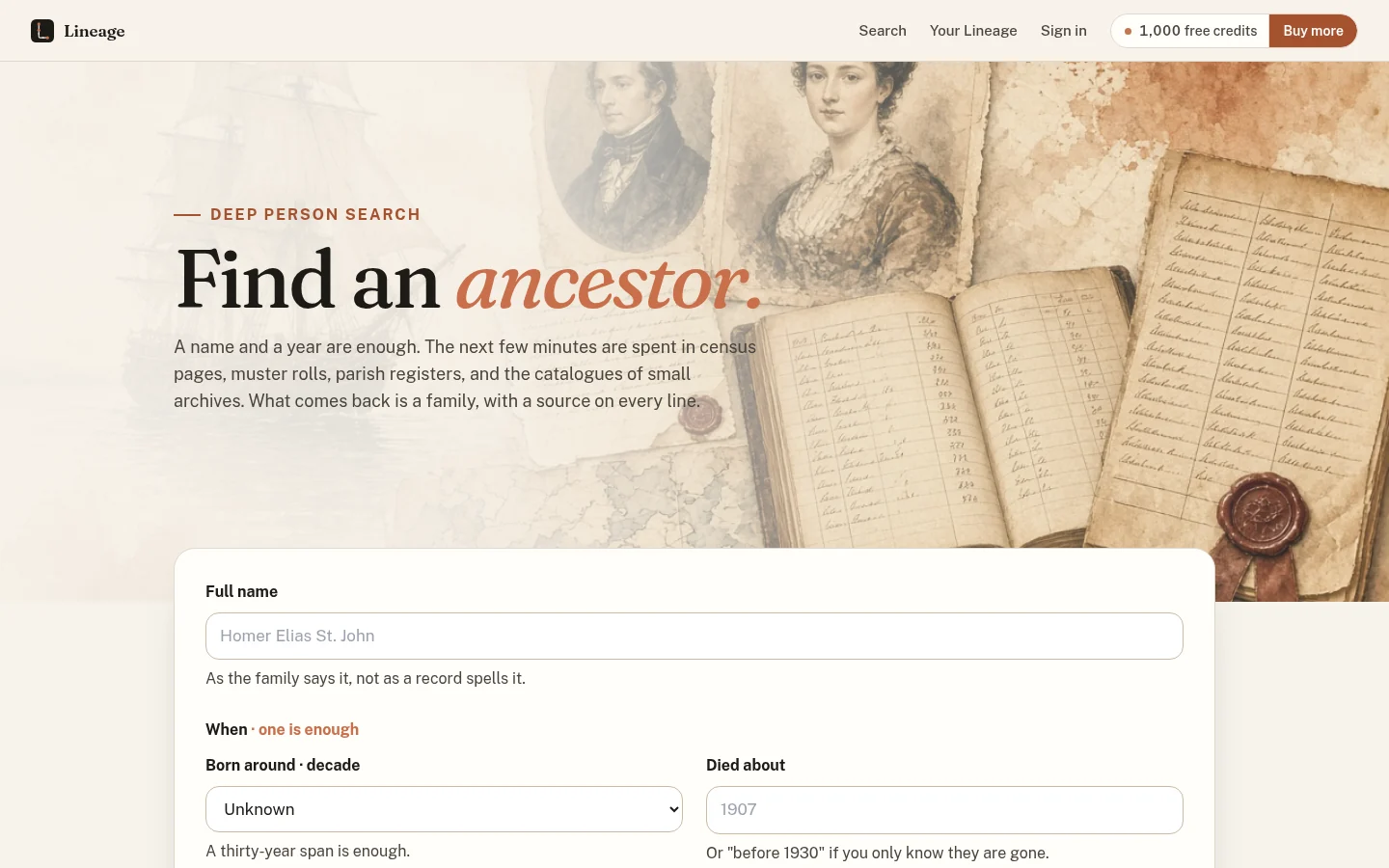
The search page. A name and a year are enough to start.
Confirm the person before you spend anything
Every visitor gets 1,000 free credits. A scan costs 200, and nothing is charged until you confirm who you mean. If the name matches one person, the scan starts right away. If it matches several, a dialog lists them with a birthplace line under each name so you can pick the right one. Saving a result to your Lineage requires an account, and living people are refused.
Tell it what kind of family this is
The biggest change is an optional button called Characterize the heritage. It opens a dialog of chips grouped as Military / Veteran, Regional, Ethnic / Religious and Occupation, plus Not sure.
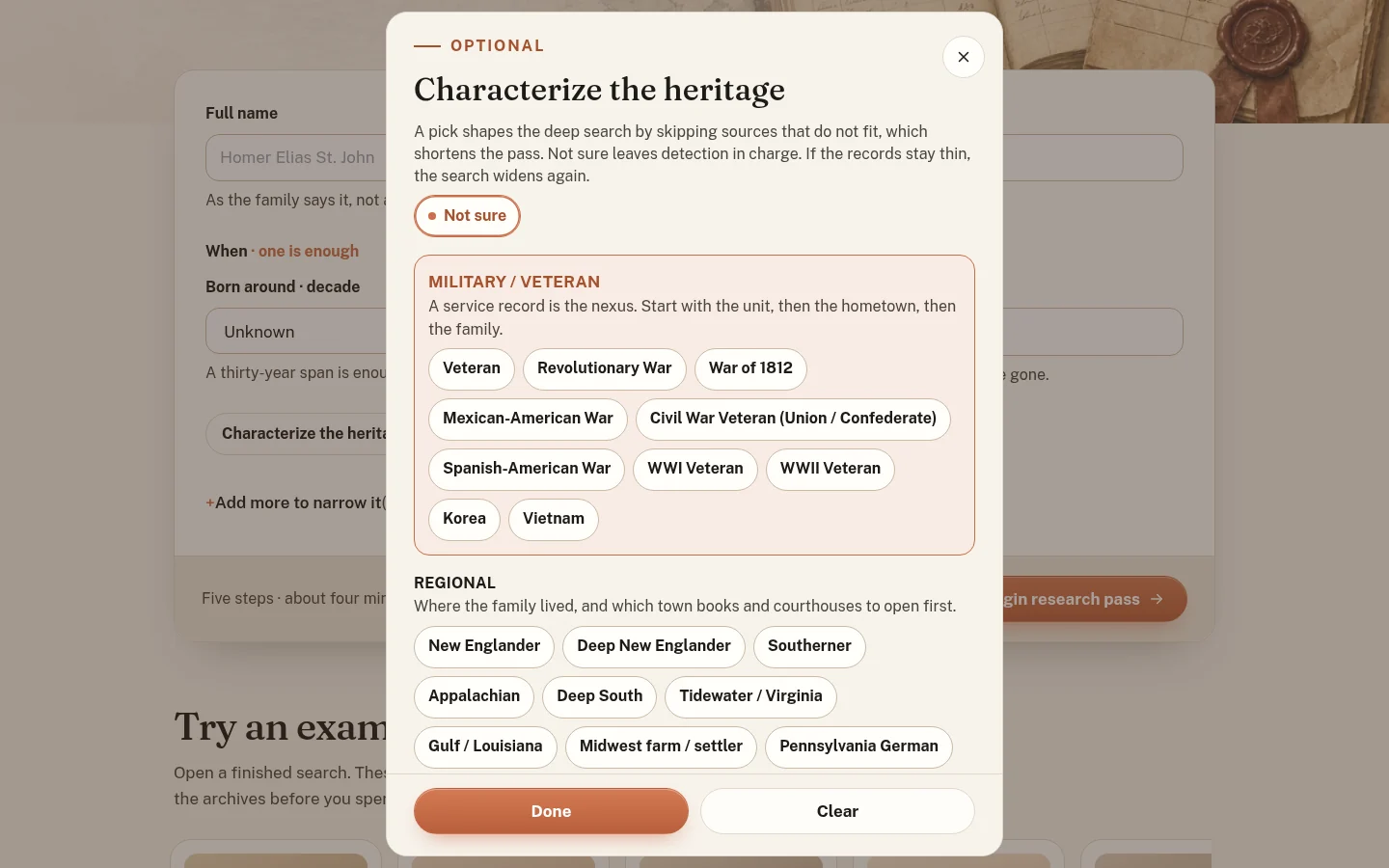
A pick shapes the deep search by skipping sources that do not fit.
A pick prunes the search. Military / Veteran comes first because a service record is usually the nexus: start with the unit, then the hometown, then the family. Each war opens its own record sets. A Civil War pick goes to muster rolls, pension files, the GAR and the 1890 veterans schedule. WWI goes to draft cards. WWII goes to the old man's draft and the NPRC.
I was careful about what the tool is allowed to assume. Every heritage chip on a result is labelled You selected, Inferred or Possible. Inferred means a record supports it. A birth year is only ever a hint. A surname alone never applies an ethnic or religious tag, and African Origin is only applied when you select it. If the records stay thin, the search widens again.
A result is a result
A finished scan lives at its own link, and anyone who opens that link sees the stored result. Opening it does not start a new scan and does not spend anyone's credits. Results are kept indefinitely. Only the owner sees Refresh, which reruns the scan for 25 credits, keeps the old result on screen while it works, and refunds the credits if it fails.
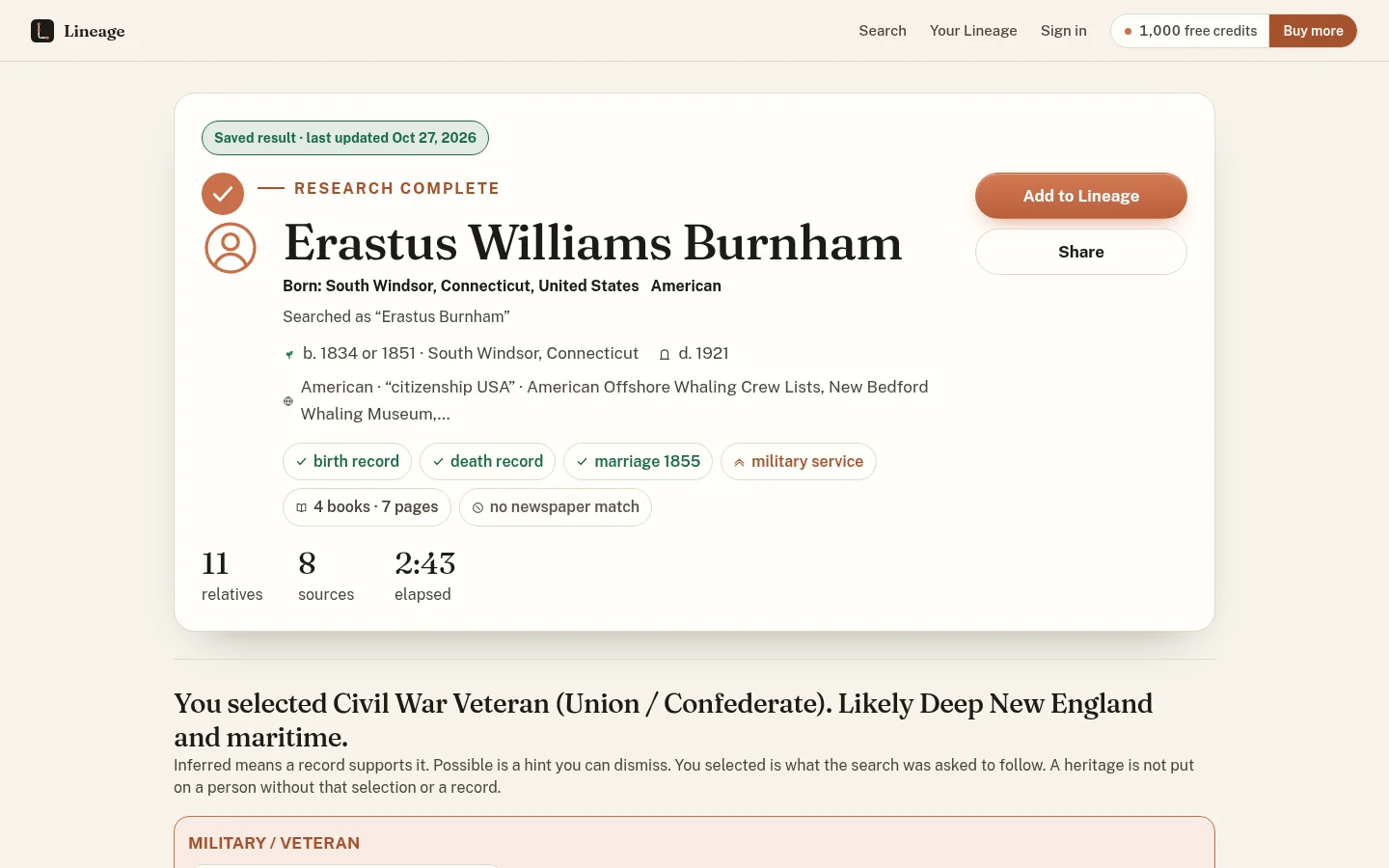
A saved result. 11 relatives and 8 sources in 2:43, with the heritage pick labelled as mine.
Scans that stop tell you they stopped
The deep search runs inside a request limit of 300 seconds. Some passes got cut off at that limit and then sat on the page as "running" forever. That is the worst kind of failure, because it looks like progress.
Now a pass with no activity for more than 15 minutes is marked failed with a plain error, and the charge is refunded once. If a result was already stored, there is no refund, because you got the result. The check runs whenever a result page or list loads, and on a schedule every 5 minutes. Each stage also writes a heartbeat, and a budget check fails the pass before it starts a stage it cannot finish.
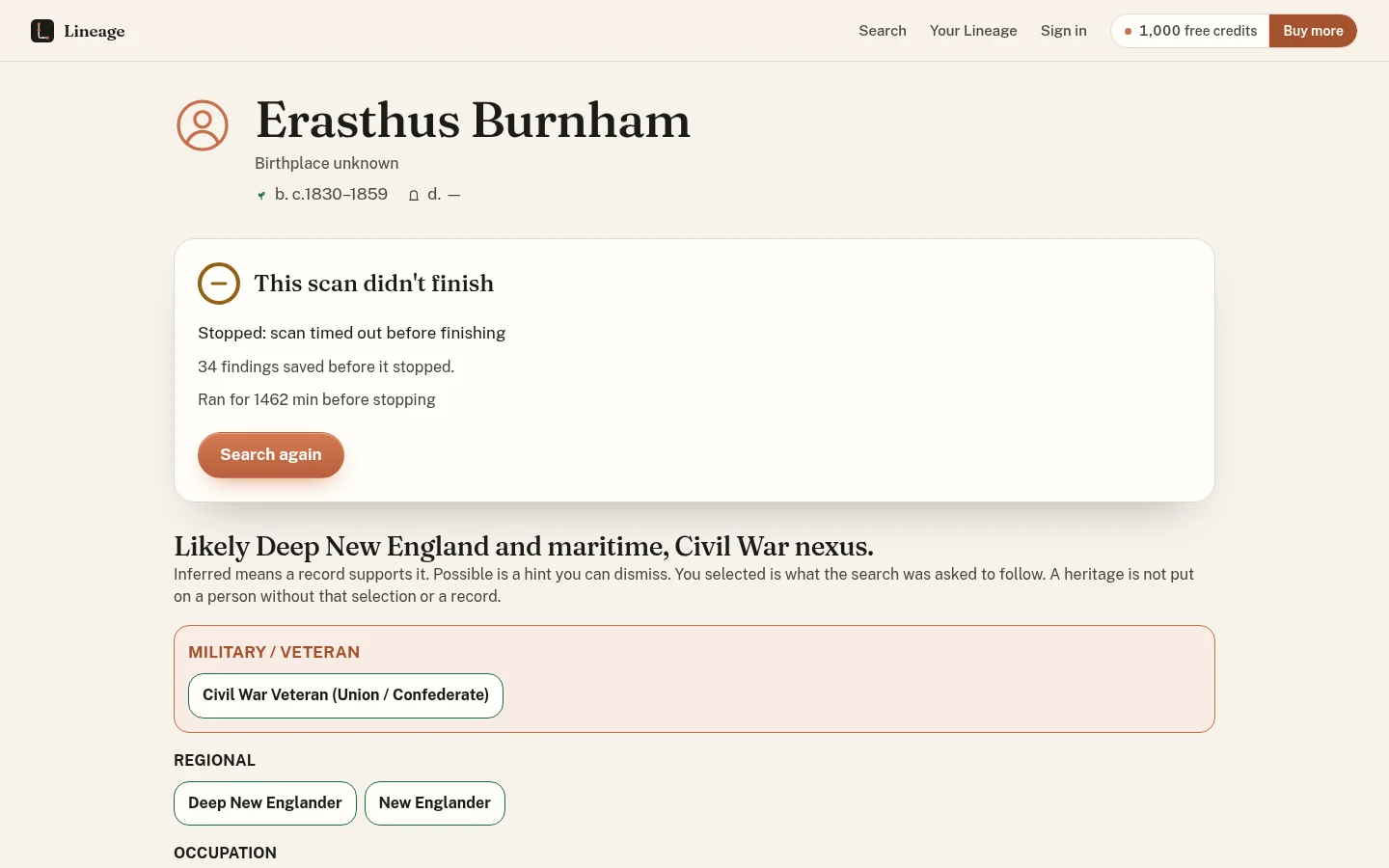
A pass that hung before this fix existed, now closed out with what it found and a way to try again.
The stopped view says what happened, how many findings were saved, how long it ran, whether credits came back, and offers Search again. The elapsed timer only ticks while a scan is actually running. The test suite is at 188 tests across 24 files.
It works on a phone
Below 1100px the header is now the menu, then the Lineage mark and name, then a single credits pill on the right, and it holds together down to 320px. The family tree switches to a generation list below 800px, and the full tree can be zoomed, panned and pinched, with a Fit button to reset it.
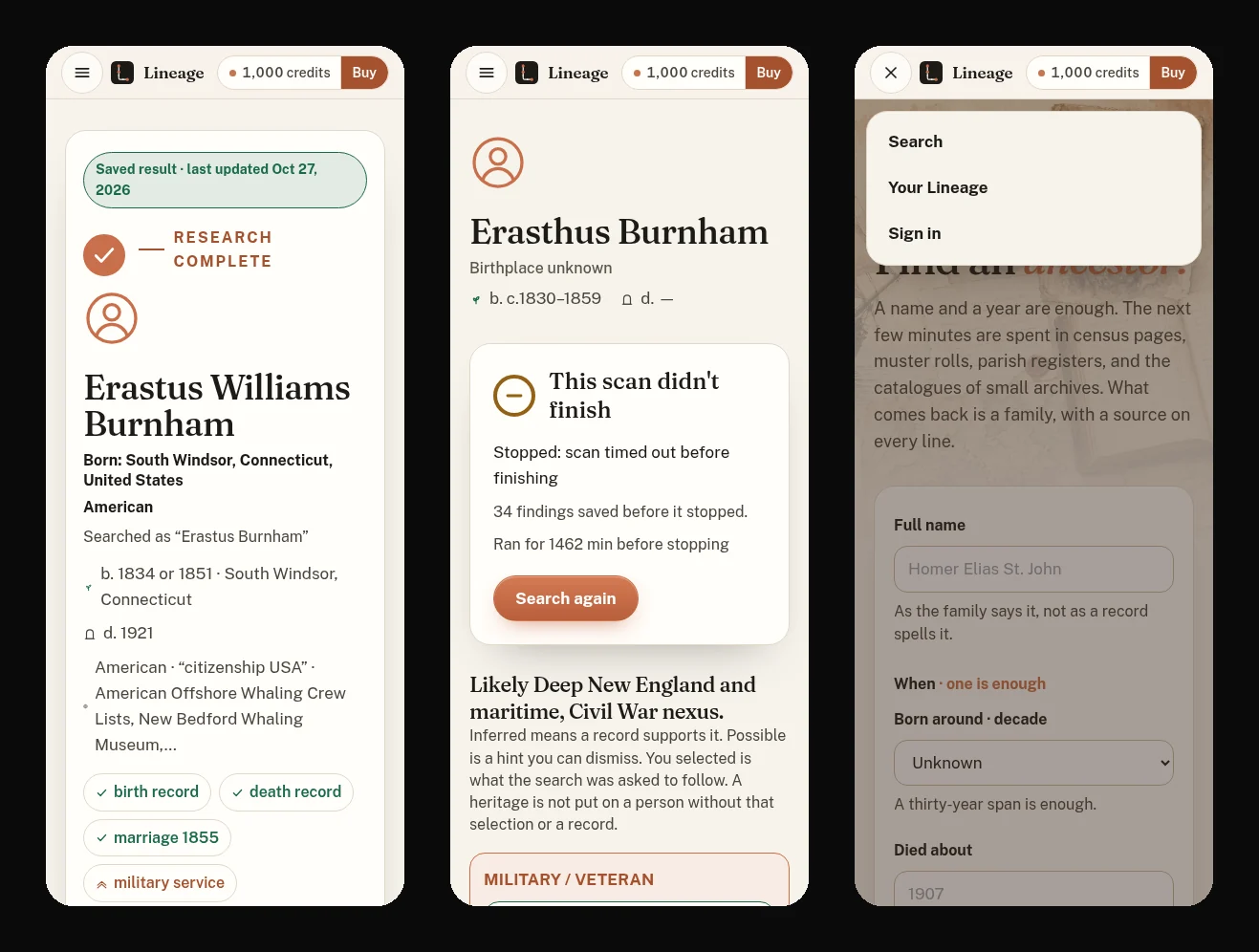
The same pages at phone width, with the menu open on the right.
Smaller fixes
Searches no longer stall on the first archive call. Archive calls are time-boxed and run in parallel. On my relatives test for one ancestor, that took recall from 8% to 40%. Each result now has one compiled bibliography with page-level citations, plus Go Deeper and Photos. The tab icon matches the logo.
None of this is glamorous. It is the work that makes a research tool something you can hand to a stranger. Try a search.